Blank
Browser extension to promote healthy relationship with web and prevent intrusive habits
README.md (synced from GitHub)
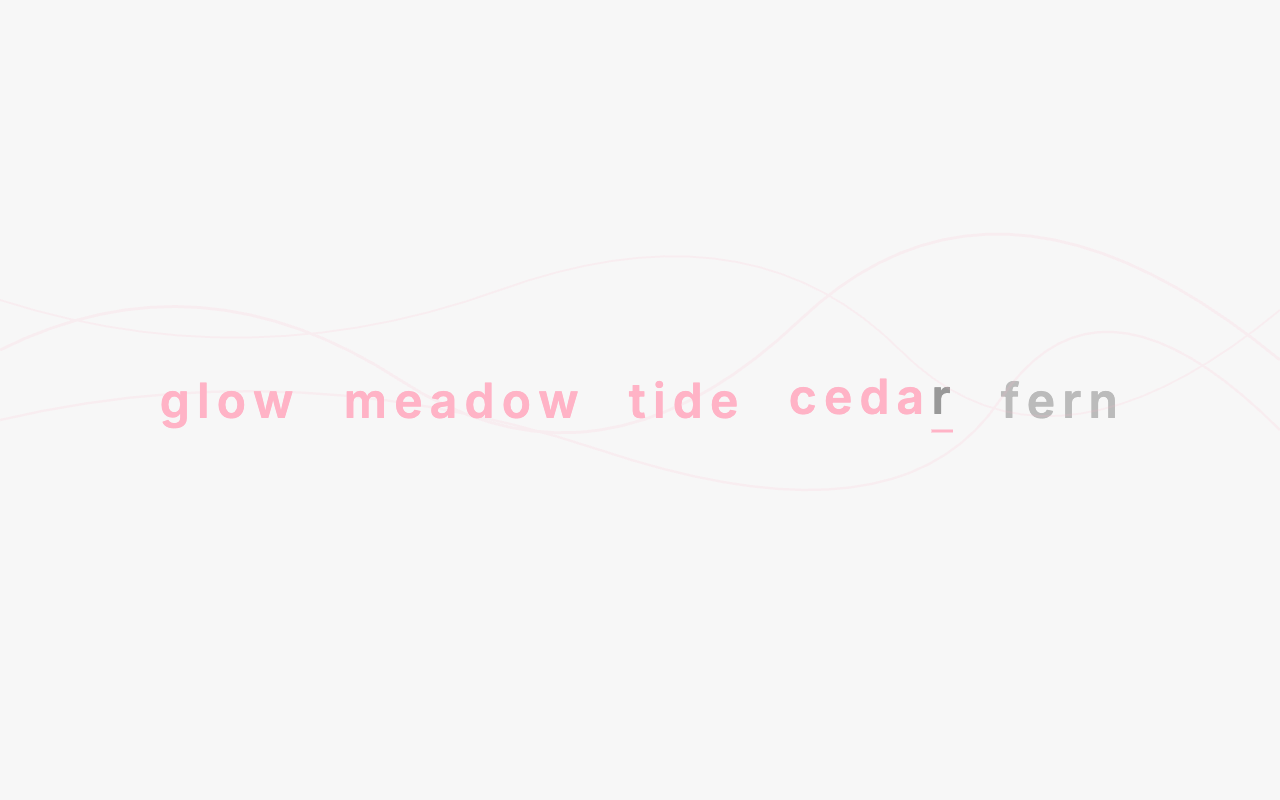
Blank is a browser extension that intercepts navigation to selected web pages and asks you to type a short sequence of random words before continuing. It helps prevent doom scrolling, compulsive social media checks, and other habitual browsing. Comes with sensible defaults for common time-sink sites.
Install
Chrome
- Install from the Chrome Web Store.
- Complete the welcome page that appears after installation.
If the welcome page doesn’t appear, click the extension icon to open settings and configure Blank manually.
Firefox
Firefox support is available but Blank is not yet listed on AMO. Install from source (see below).
Build from source
Requires bash and zip.
./build.shThis produces two archives in dist/:
blank-<version>-chrome.zipblank-<version>-firefox.zip
Loading in Chrome
- Go to
chrome://extensions. - Enable “Developer mode” (top-right toggle).
- Click “Load unpacked” and select the
dist/blank-<version>-chrome.zipfile after extracting it, or extract it to a folder and point to that folder.
Loading in Firefox
- Go to
about:debugging#/runtime/this-firefox. - Click “Load Temporary Add-on”.
- Select the
dist/blank-<version>-firefox.zipfile (or any file inside the extracted folder).
Note: temporary add-ons in Firefox are removed when the browser closes. For persistent installation, use about:config to set xpinstall.signatures.required to false, then install the .zip renamed to .xpi via about:addons.
License
MIT